
What do we do with the group?
Each skill area comes complete: goals, trainers, a session plan and homework. The teacher doesn't need to prepare materials for every lesson.
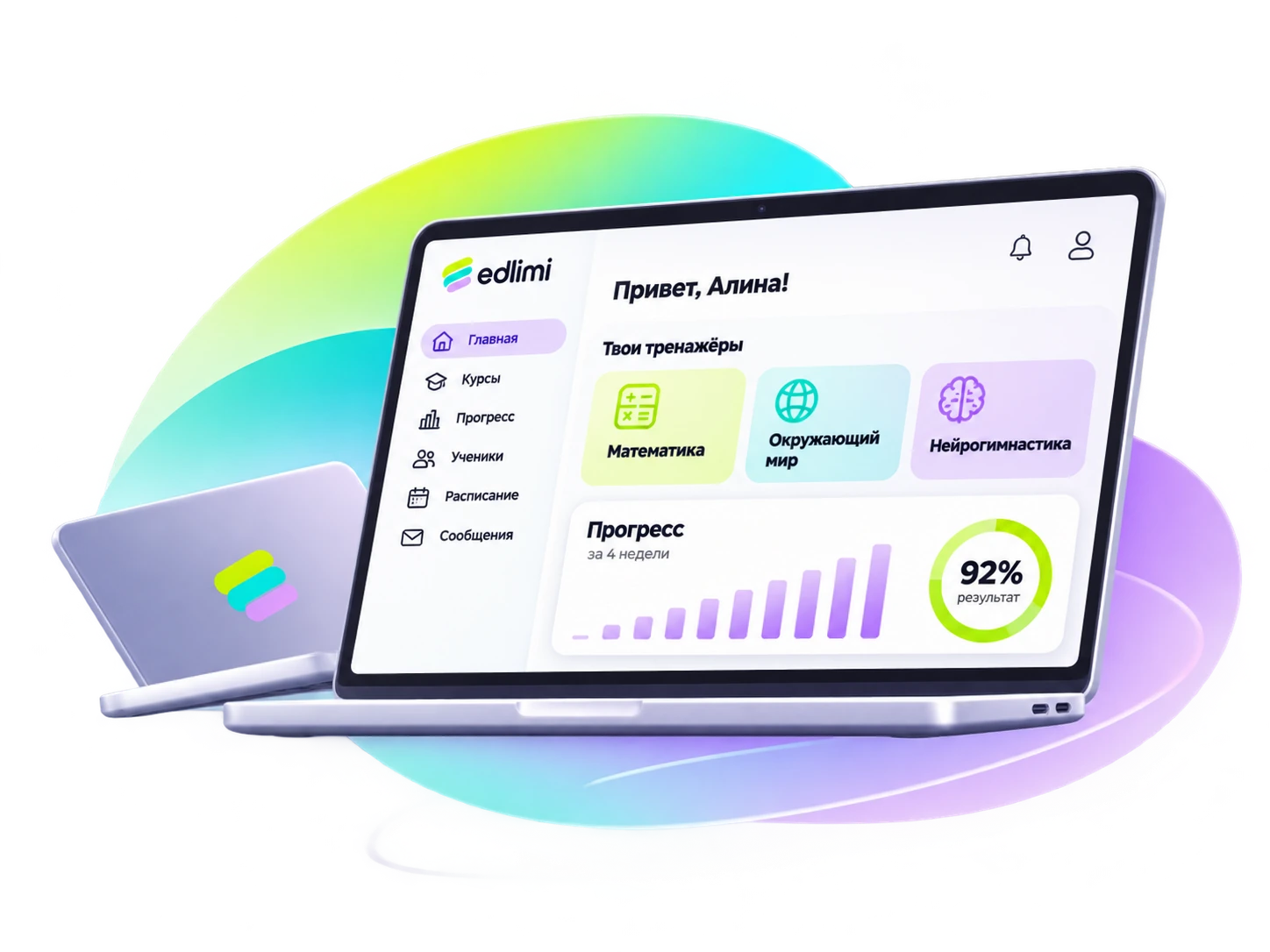
edlimi gives a children's center ready-made skill areas with game-style trainers: mental arithmetic, speed reading and memory. The teacher runs a lesson with a code and a projector board, while the platform selects homework, shows who stopped practicing and prepares a report for parents.
Each skill area comes complete: goals, trainers, a session plan and homework. The teacher doesn't need to prepare materials for every lesson.
Statistics show students who haven't practiced in a while or are stuck on one level, and suggest what to do.
A before → after report with the center's logo can be printed or sent through a messenger in a minute.
Children join with the lesson code and play at their own levels, while the teacher watches the projector board and notices anyone who is stuck. At the end of the lesson, the results appear with a podium.
Three skill areas are available now; the others from the range of 20 skill areas are being added one by one.
Anzan, columns, flash cards, listening count, "Remember the numbers", "Mirror".
10 trainers: reading speed with comprehension, visual field, attention.
14 trainers: memory span, visual memory, associations, observation.
Skill areas, branding and reports are the same across all groups, while statistics show the picture by group and by teacher.
Yes: logo, colors, your own address and a phone app.
By the baseline assessment and growth, before → after, for each student and group.
Send a request for a review: we will pick skill areas and open trial access to everything at once.
The platform is built so a lesson can be run right away: the teacher picks three settings and the tasks are selected automatically.
Sign up in a minute and get demo access to every skill area. Questions — by phone or WhatsApp.
Try the demo